
Electric vehicle charging stations have recently been installed in your building, and you want to take advantage of the subsidy currently offered by the Quebec government?
Make sure you get the right rebate as easily as possible by following this step-by-step guide to complete your application for the Roulez vert program (sometimes called Roulez électrique).
Since the application platform is only in French, the following images will also be in French only.
1- Creating Your Account
- The first step is to create a profile on the program’s website. Click on the following link: Create a user account in online services
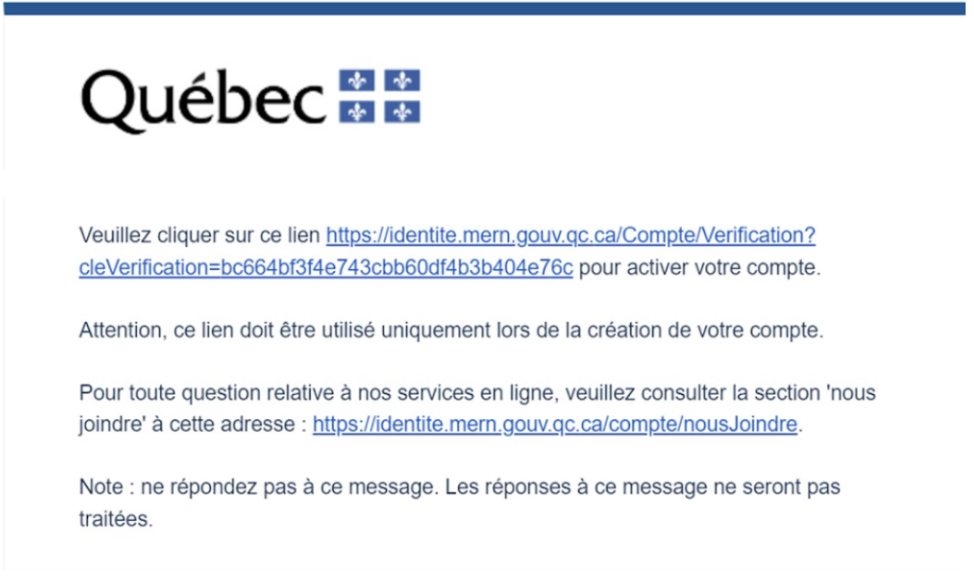
- After creating your account, activate it by following the instructions in the confirmation email you will receive.
2- Creating Your Profile
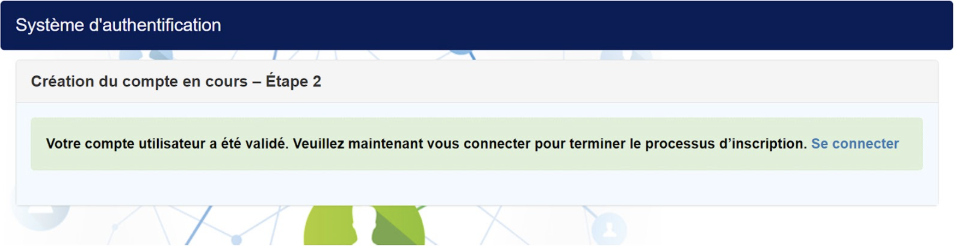
- Once your account has been validated, click on Se connecter and then log in with the login details you created earlier.
- Once logged in, click on Créer un profil, then select the appropriate profile type, either Entreprise or Entreprise fournissant un service de recharge clés en main.
- Complete the form by providing the necessary information.
- Agree to the terms and conditions.
3- Submitting the application: procedure for multi-unit residential buildings
- In the menu, click on the Mes demandes tab.
- Click on Créer une demande.
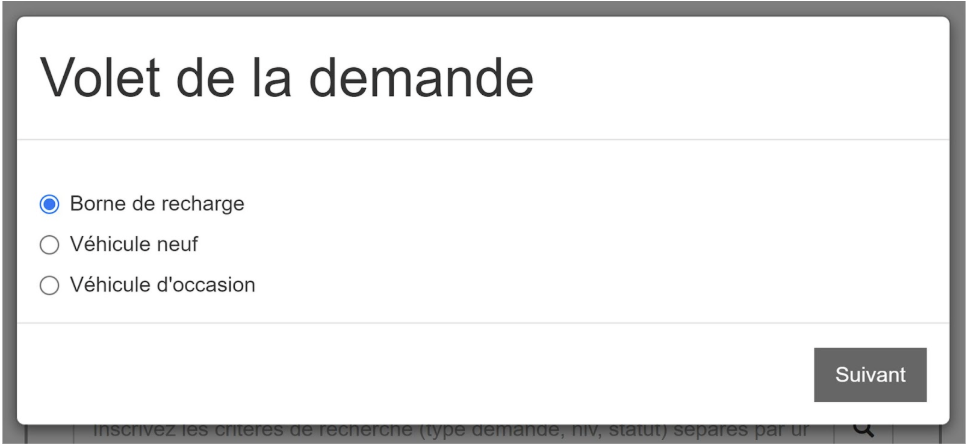
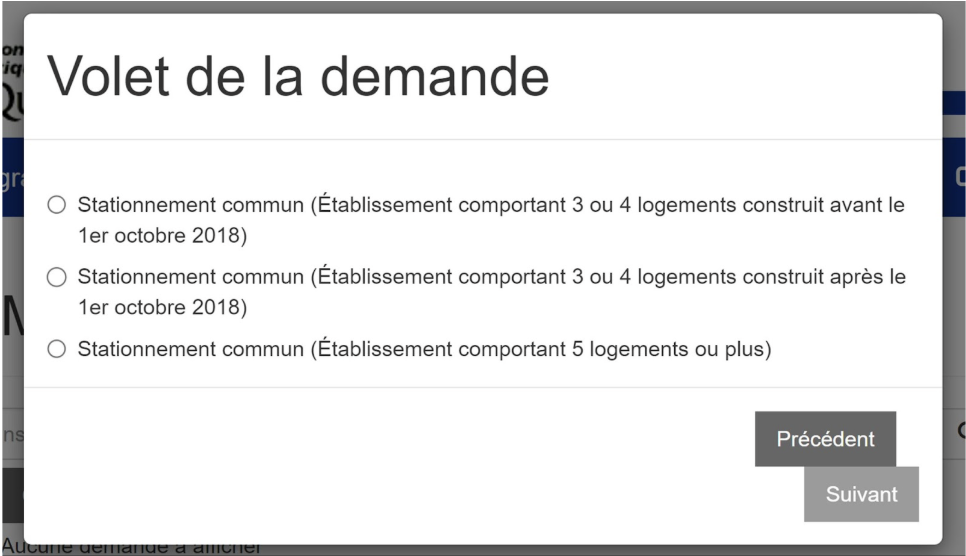
- Select the Borne de recharge option, then Multilogement résidentiel, then select a building type.
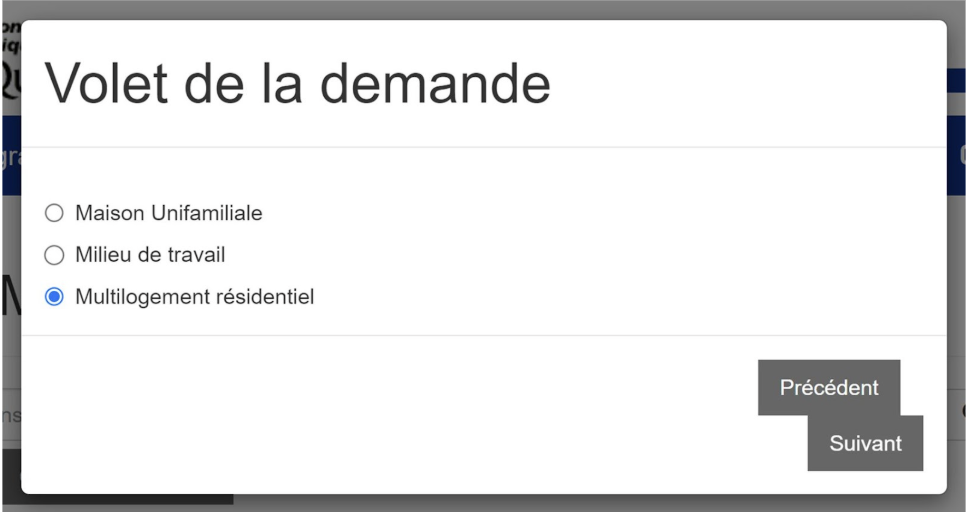
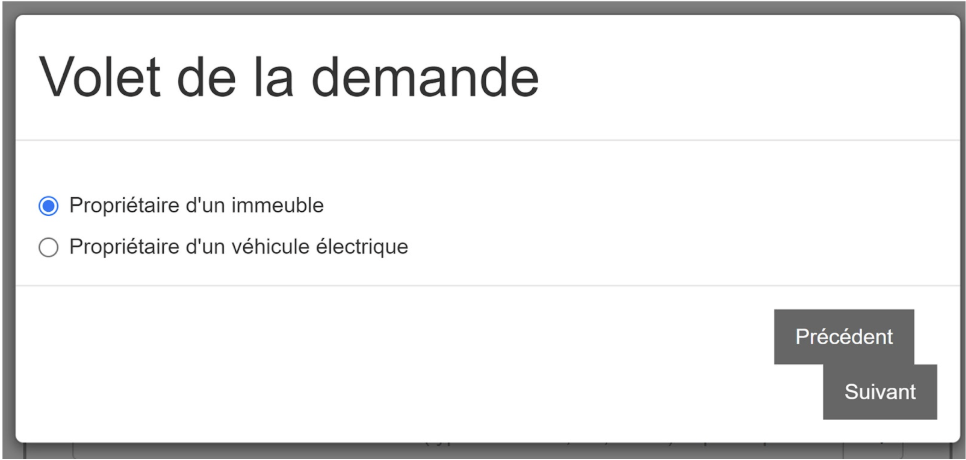
- Specify whether you are the Propriétaire d’un immeuble multilogement or the Propriétaire d’un véhicule électrique. If you select Propriétaire d’un véhicule électrique, you will be automatically redirected to another section of the program.
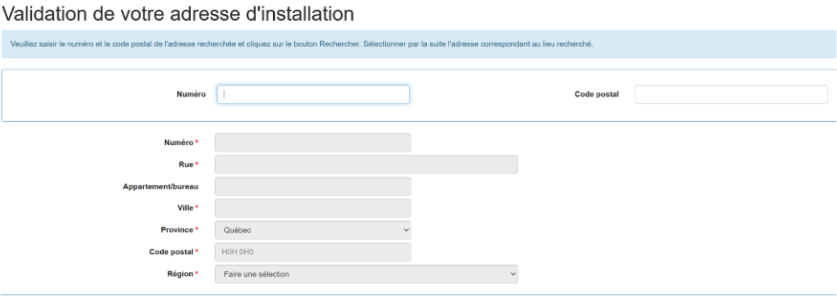
“Installation Address” Tab
- Select the Adresse d’installation tab.
- In the Adresse d’installation section, enter:
- the number of units in the building where the charging station is installed
- the date of construction
This information must be entered first so that you can check the “Mise à niveau de l’infrastructure” box in the Sous-volets section just above.
- Then, fill in the installation address fields.
- In the Sous-volets section, check “Mise à niveau de l’infrastructure” and “Borne” to qualify for financial support for both categories.
- Attention: Remember to click Enregistrer in order to save your progress.


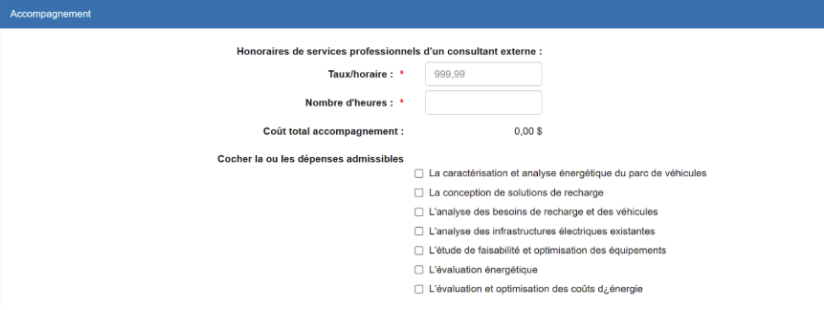
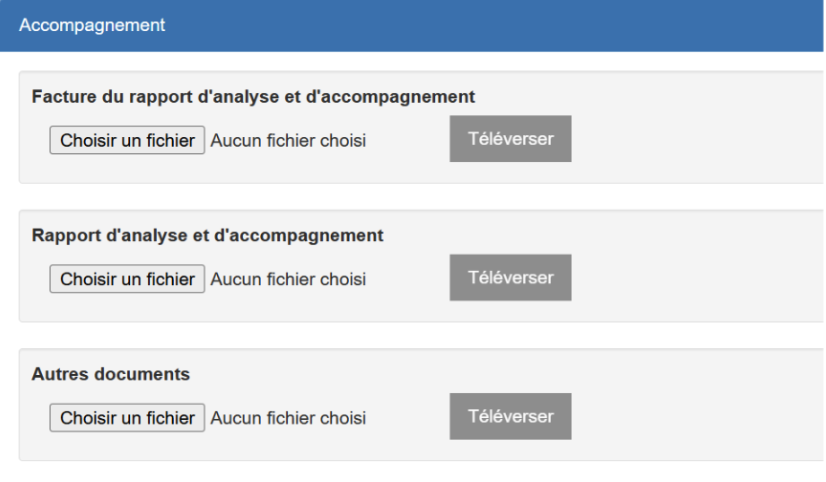
“Accompagnement” tab
- Fill out this tab only if you have previously checked the Accompagnement box. Fill out all required fields, then click Enregistrer.
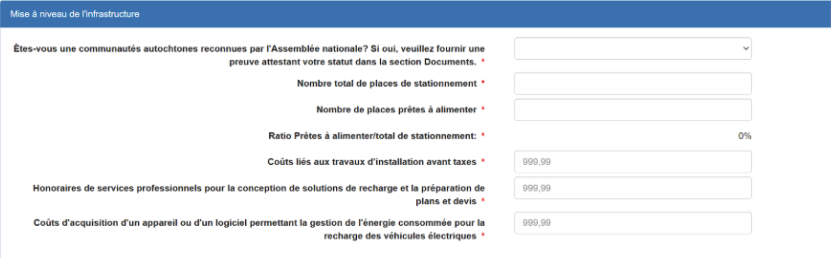
“Mise à niveau de l’infrastructure” tab
- Fill out all required fields, then click Enregistrer.
Ajouter une aide financière
To be completed only if you have applied for financial assistance from a complementary program offered by other government departments or agencies or by public service providers.
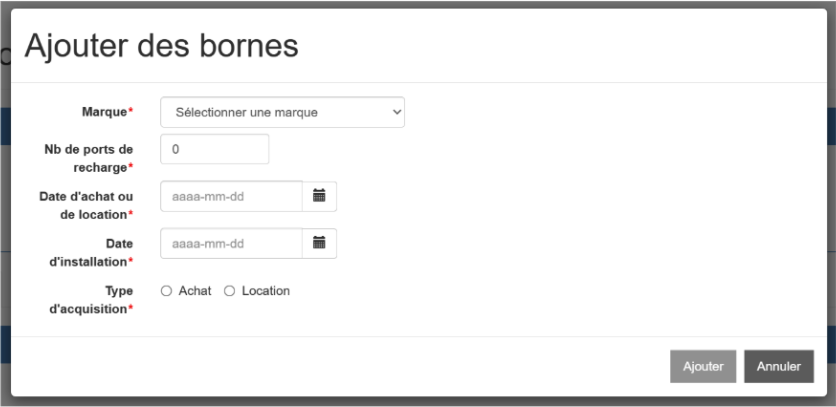
“Borne” tab
- Complete the section titled Ajouter des bornes.
- Attention: If more than one brand and model of charging station was installed, be sure to list them all.
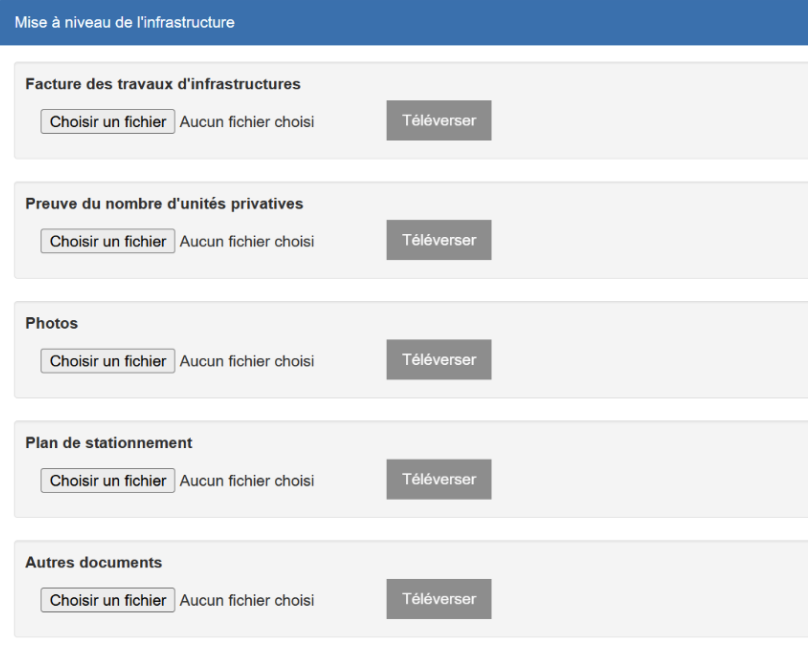
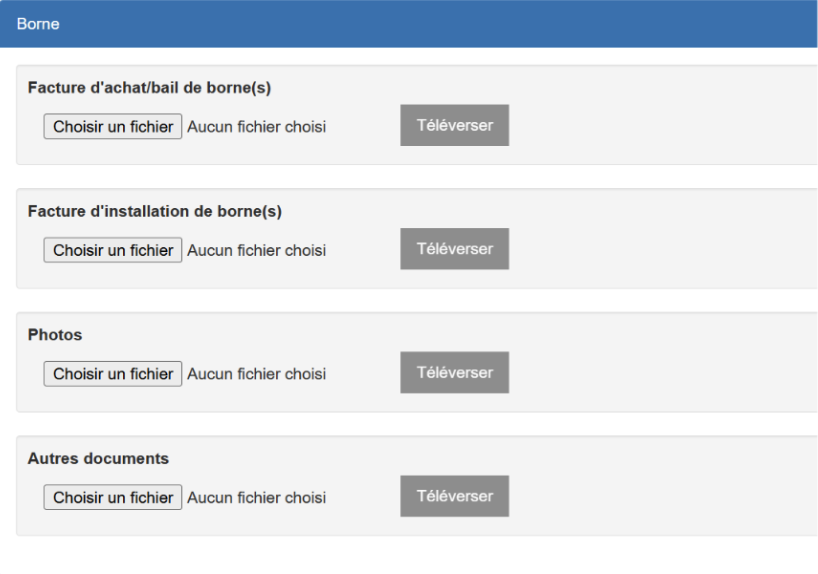
“Documents” Tab
- In this tab, you must include all the required supporting documents for the selected categories (Accompagnement, Mise à niveau de l’infrastructure et Borne). Attention: Do not forget to click Enregistrer to save your progress.
Any questions?
For any questions regarding the program or the online application service, contact the Roulez vert program directly at 1-866-266-0008 or renseignements.te@mern.gouv.qc.ca.
Please note that Murbly is not an official representative of the Roulez vert government program and therefore cannot be held responsible for the information provided in this article.